

INTRODUCTION
Microsoft Excel is one of the most widely used tools for data analysis, reporting, finance, and business management. As companies increasingly rely on data-driven decisions, having advanced Excel skills can help students and professionals improve their productivity and career opportunities.
Bangalore is home to many training institutes that offer Advanced Excel courses covering topics such as advanced formulas, Pivot Tables, dashboards, data analysis, Power Query, VBA, and automation. In this blog, we have listed the Top 10 Advanced Excel Courses in Bangalore to help you explore suitable learning options and choose a course based on your skills, career goals, course content, and learning requirements.
COMPARISON TABLE
| Advanced Excel Course / Institute | Location in Bengaluru | Main Topics | Suitable For |
|---|---|---|---|
|
AllyTech |
BTM / Jayanagar |
Advanced Excel, Macros, VBA |
Beginners & Job Seekers |
|
PHILLOS |
BTM |
Advanced Excel, VBA, MIS, Dashboards |
Job Seekers & Analysts |
|
Techno Foundations |
Hulimavu |
Excel, VBA, Access, SQL, RPA |
Advanced Learners |
|
Excel Computer Training Centre (ECTC) |
Nagawara |
Excel & Advanced Excel |
Beginners & Professionals |
|
Excel4all |
Thubarahalli |
Excel & Advanced Excel |
Students & Professionals |
|
ExcelPandit |
Whitefield |
Advanced Excel, Data Analysis |
Students & Professionals |
|
Shreyas Excel Training Centre |
Vijayanagar |
Excel & Advanced Excel |
Beginners |
|
Excel Insights Academy |
HSR Layout |
Advanced Excel, Reporting |
Job Seekers |
|
Innovations Edu Experts |
Rajajinagar |
Excel & Computer Applications |
Students |
|
ExcelR |
BTM |
Excel, Data Analytics, Business Intelligence |
Students & Professionals |
LIST OF INSTITUTES
PHILLOS – Advanced Excel Training

About the Institution: PHILLOS is a professional training institute in Bangalore offering courses in Advanced Excel, Data Analytics, Power BI, SQL, SAP and other career-oriented skills. It operates training centres in BTM Layout and Vijayanagar and offers classroom, online and weekend learning options.
Course Highlights: The Advanced Excel curriculum includes advanced formulas, VLOOKUP, XLOOKUP, INDEX-MATCH, PivotTables, PivotCharts, data cleaning, Power Query, charts, dashboards and MIS reporting. Higher packages can also include AI for Excel and VBA automation.
Duration & Fees: The core course is approximately one month, with the published Advanced Excel package starting at ₹8,500; AI and VBA packages are also available.
Best For: B.Com students, freshers, MIS Executive aspirants, finance professionals and job seekers.
FITA Academy – Advanced Excel Training

About the Institution: FITA Academy provides professional training with classroom and instructor-led online options, along with weekday and weekend batches.
Course Highlights: The course covers Advanced Excel features, formatting, data validation, PivotTables, worksheet auditing, advanced data tools, macros and VBA, along with hands-on projects.
Training Benefits: FITA states that its training is delivered by industry experts and includes interview workshops and placement assistance.
Best For: Students, freshers, job seekers and working professionals looking for practical Excel and VBA skills.
Technovids – Advanced Excel Training

About the Institution: Technovids offers live instructor-led Advanced Excel training with a Bangalore-based trainer and focuses heavily on practical workplace applications.
Course Highlights: The program has 20 hours of live training and 11 modules, covering VLOOKUP, XLOOKUP, INDEX-MATCH, PivotTables, dashboards, Power Query and MIS reporting.
Training Benefits: Students receive real-business practice files, assignments, trainer feedback, session recordings and a course certificate. The stated maximum batch size is 15 students.
Best For: MIS, finance, HR, operations, reporting and business-data roles.
Upshot Technologies – Advanced Excel Training
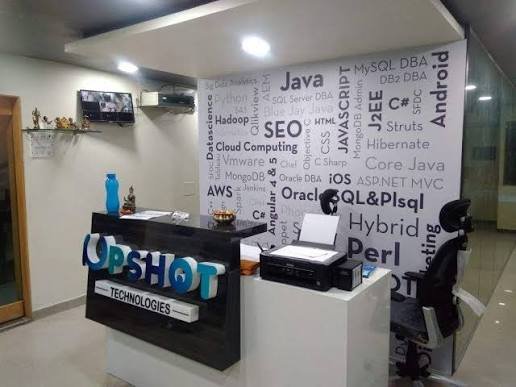
About the Institution: Upshot Technologies offers professional training in Excel and data-related technologies, with classroom and online learning options.
Course Highlights: The course covers PivotTables, conditional formatting, advanced formulas, VLOOKUP, INDEX/MATCH, Power Query, data analysis, advanced charting, VBA, statistical analysis and data visualization.
Training Benefits: The institute states that its program includes live projects, assignments, career-oriented sessions, resume and LinkedIn support, mock interviews and mentoring.
Best For: Students, freshers and professionals who want Advanced Excel combined with data analysis and automation.
Cranesoft Solutions – Advanced Excel Training

About the Institution: Cranesoft Solutions provides Advanced Excel training for students, graduates, working professionals and career switchers.
Course Highlights: The program focuses on data preparation, cleaning, modelling, calculations, interactive dashboards, reporting, advanced Excel workflows and practical business applications.
Duration & Training: The published course duration is 25 hours and includes guided exercises, realistic assignments and a career project. Both online and classroom options are offered.
Best For: Graduates, career switchers, students and professionals interested in Excel-based analytics and reporting..
AllyTech – Advanced Excel & Macros
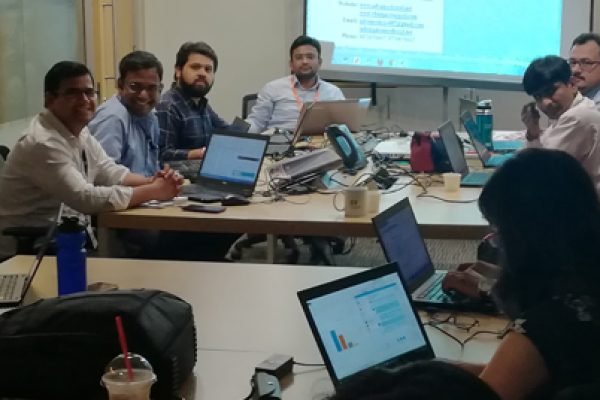
About the Institution: AllyTech provides professional technology training with a focus on practical workplace skills.
Course Highlights: The Advanced Excel program focuses on advanced Excel functions, Macros and VBA, helping learners automate repetitive spreadsheet tasks and create more efficient reports.
Training Focus: Learners can develop skills in spreadsheet automation, reporting and advanced Excel functions.
Best For: Students, freshers and professionals who specifically want to learn Excel automation and VBA.
Techno Foundations – Advanced Excel & VBA
About the Institution: Techno Foundations provides training in Excel and related technologies such as databases and automation tools.
Course Highlights: Its learning path can combine Advanced Excel with VBA and related technologies such as Access and SQL, giving learners broader technical exposure.
Training Focus: The course is more suitable for learners who want to move beyond normal Excel functions into automation and database-related work.
Best For: Advanced Excel learners, automation enthusiasts and professionals interested in VBA, Access and SQL.
Excel Computer Training Centre (ECTC)

About the Institution: Excel Computer Training Centre focuses on computer and Excel-related education for learners developing workplace spreadsheet skills.
Course Highlights: Training can cover Excel functions, calculations, data management, formatting, reporting and advanced spreadsheet features.
Training Focus: The learning approach is suitable for building a strong Excel foundation before progressing to advanced functions and reporting
Best For: Beginners, students and professionals who want to strengthen their Excel fundamentals.
ExcelPandit
About the Institution: ExcelPandit focuses specifically on Excel and spreadsheet-related learning for students and working professionals.
Course Highlights: Training focuses on advanced Excel functions, formulas, data management, reporting and data-analysis techniques.
Training Focus: Learners can develop practical spreadsheet skills that are useful for office administration, finance, reporting and business operations
Best For: Students, freshers and working professionals who want to improve their Excel skills.
ExcelR – Excel & Data Analytics
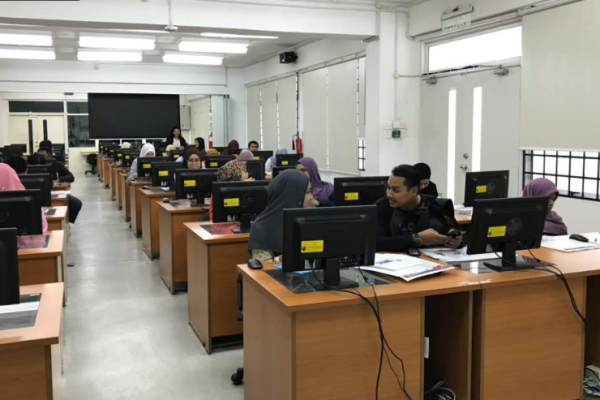
About the Institution: ExcelR is a professional training provider with a focus on data analytics and related business technologies.
Course Highlights: Excel learning can be combined with data analysis, visualization and broader business-intelligence concepts, making it useful as a foundation for analytics.
Training Focus: The course approach is suitable for learners who want to progress from Excel into wider data and analytics skills.
Best For: Students, freshers and aspiring data analysts.
Frequently Asked Questions (FAQs)
1. What is an Advanced Excel course?
An Advanced Excel course teaches advanced formulas, PivotTables, data analysis, dashboards, Power Query, charts, macros and other features used for professional spreadsheet work.
2. Who can join an Advanced Excel course in Bangalore?
Students, freshers, graduates, working professionals, accountants, finance professionals and job seekers can join an Advanced Excel course.
3. What topics are covered in Advanced Excel training? web designing course?
Common topics include VLOOKUP, XLOOKUP, INDEX-MATCH, PivotTables, PivotCharts, conditional formatting, data validation, Power Query, dashboards, macros and VBA.
4. How long does an Advanced Excel course take?
The duration depends on the institute and syllabus. Some short-term courses can be completed in a few weeks, while more comprehensive programs may take several months.
5. What is the average fee for an Advanced Excel course in Bangalore?
Fees vary depending on the institute, course duration, syllabus, training mode and additional features such as projects or placement support.
6. Is Advanced Excel useful for B.Com students?
Yes. Advanced Excel can be useful for B.Com students because it supports tasks related to accounting, finance, MIS reporting, data analysis and business operations.
7. Can beginners learn Advanced Excel?
Yes. Beginners can learn Advanced Excel, although having basic knowledge of Excel makes it easier to understand advanced formulas, PivotTables and data-analysis tools.
8. Is VBA necessary for learning Advanced Excel?
No. VBA is not necessary for everyone. However, learning VBA and macros can be useful for professionals who want to automate repetitive Excel tasks.
9. Are online Advanced Excel courses available in Bangalore?
Yes. Many training providers offer instructor-led online classes in addition to classroom training, allowing students to learn Excel remotely.
10. What jobs can I apply for after learning Advanced Excel?
Advanced Excel skills can be useful for roles such as MIS Executive, Data Analyst, Business Analyst, Finance Executive, Operations Executive, Reporting Executive and Accounts Executive.